
How to Connect One Agent to Telegram and WhatsApp While Keeping One Personality and Long-Term Memory
Summary
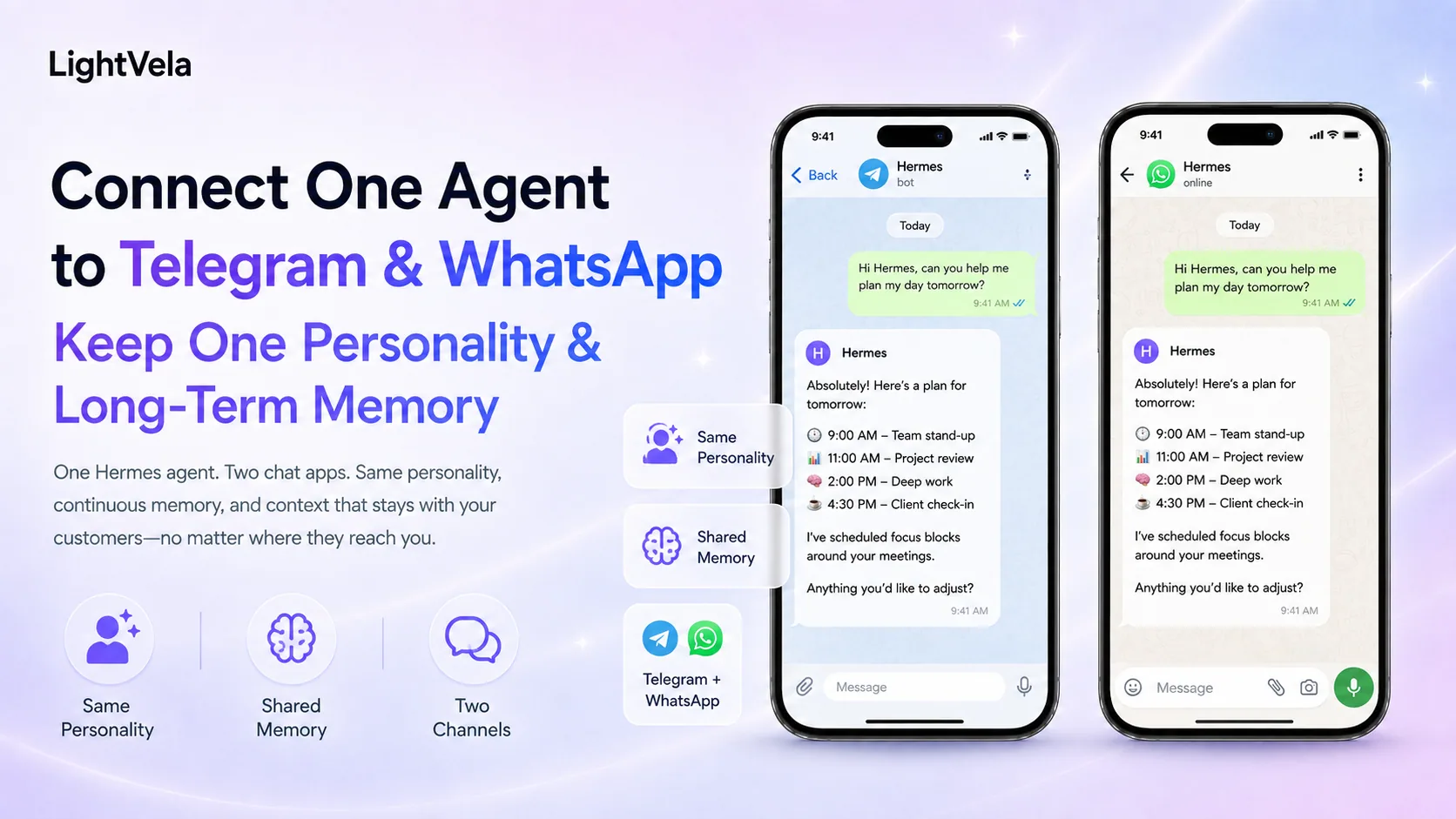
Connect Telegram and WhatsApp to the same Bot to use that Bot’s persona, long-term memory, models, skills and scheduled-task settings. Being in the same cloud Agent instance is not enough: different Bots use separate profiles. Authorize each channel separately and keep its session and delivery limits in mind. Live transcripts do not automatically become the other channel’s history. Check the selected Bot in the console, verify that the intended fact is saved in memory, then test replies and notification delivery separately.
Who this is for
This guide is for people who want to switch between messaging apps while keeping one AI assistant identity.
It is useful when you move between Telegram and WhatsApp, or when you want to manage a personal assistant, research partner, or support-drafting assistant from one place.
Understand what “one Bot” means
One Bot does not mean that the two channels share every part of the live chat transcript in real time.
The two entry points share Bot-level configuration and durable context, while each current conversation still belongs to its own channel session.
If you want the other channel to know a confirmed fact, ask Hermes to remember it and then verify it from the other entry point.
Persona, long-term memory, and Skills belong to the Bot layer, while Bot tokens, QR authorization, conversation entry points, and message formats belong to the channel layer.
Prerequisites
-
A running LightVela Hermes Agent with a ready Bot. If you have not created one yet, start with the Quickstart.
-
A working model configuration or available trial credits.
-
A Telegram account and Bot that you can use normally.
-
A WhatsApp account that you can use normally.
-
An understanding of Telegram group-message setup: disable Group Privacy in BotFather, add the Bot to the group, then start the conversation with
@bot_username. -
An understanding that WhatsApp group support remains subject to its own channel documentation.
Steps
1. Choose one target Bot
Open the LightVela console and decide which single Bot should receive both Telegram and WhatsApp connections.
Do not create one Bot per channel unless you intentionally want different personas, memories, and Skills.
2. Connect Telegram
Follow Configure Channel - Telegram to create a Bot and paste the HTTP API token into the Telegram channel settings for the target Bot.
Send a test message in Telegram, confirm that the console shows the channel as connected, and confirm that the reply returns to the expected Bot.
If you also want a distinct Telegram personality, see How to Configure a Bot with a Distinct Personality in Telegram.
3. Connect WhatsApp
In the channel settings for the same Bot, select WhatsApp and complete QR authorization by following Configure Channel - WhatsApp.
Open the corresponding bot contact in WhatsApp, send a test message, and confirm that the reply returns normally.
If you also want a distinct WhatsApp personality, see How to Configure a Bot with a Distinct Personality in WhatsApp.
4. Configure one Bot-level personality
Open the target Bot's "Personality" section and confirm that the role, voice, priorities, and behavioral boundaries in SOUL.md work for both channels.
Because the personality is at the Bot layer, you do not need to configure two copies in Telegram and WhatsApp.
If you need to change the personality, see How to Define an IM Bot's Role, Personality, and Voice with SOUL.md.
After a change, start a new conversation in each channel and run a quick self-check to confirm that the new personality is active.
5. Configure Bot-level memory and the user profile
Open "Memory" in the console and confirm that the Bot memory and user profile capacity fit your workflow.
Telegram and WhatsApp share the same cloud Bot's long-term memory, so you do not need to enter the same identity, language, and preferences twice.
In either channel, you can send:
Remember that I want every daily briefing to start with the conclusion and then give three key points of evidence.
Then switch to the other channel and send:
Use the daily briefing format I set earlier and show me a short example.
If the channels behave differently, first confirm that they connect to the same Bot, then check whether the current conversation needs /new.
6. Install shared Skills once
Skills belong to the Bot capability configuration, so you do not need one installation for Telegram and another for WhatsApp.
Ask Hermes to install the Skill through conversation in either channel, then ask it to update the Skill list and validate the Skill with a low-risk task.
See Configure Skills for the detailed flow, and review the Skill source, permissions, and external-service dependencies before confirming installation.
7. Test channel-specific differences
Run the same prompts in both channels:
Explain your current role and how you handle uncertainty.
Use my saved preferences to turn this content into three key points.
Then test behavior that belongs to the channel, such as media messages, proactive reminders, or how the Bot contact appears.
The personality and long-term memory should remain consistent, but message format, media capability, authorization, and proactive delivery limits may differ.
A useful structure for one Bot and two entry points
One Bot ├── one SOUL.md ├── one Bot memory and user profile ├── one set of installed Skills ├── one set of scheduled tasks ├── Telegram entry point └── WhatsApp entry point
Scheduled Task notification methods still need an explicit target channel.
Do not assume that a shared Bot causes every reminder to be sent to both Telegram and WhatsApp.
Scope checklist
| Item | Multiple channels on one Bot | Different Bots in one instance |
|---|---|---|
| Persona and long-term memory | Use the selected Bot profile | Independent profiles |
| Models, skills and scheduled tasks | Check the selected Bot’s settings and tasks | Do not assume shared configuration |
| Live conversations and delivery | Transcripts are not automatically shared; select the task’s notification target | Check sessions, tasks and targets separately |
FAQ
Will something I asked Hermes to remember in Telegram appear in WhatsApp?
Yes, when both channels connect to the same Bot and the information is saved to Bot memory or the user profile.
Every message in the current Telegram conversation does not automatically become a live WhatsApp transcript.
Why do the two channels not sound exactly the same?
Channel message formats, media capabilities, session state, and model output can affect details.
First confirm that both channels connect to the same Bot, then send /new when needed so the new SOUL.md loads at conversation start.
Can I configure different personalities for Telegram and WhatsApp?
When both channels connect to one Bot, they use the same Bot-level personality by default.
If you need completely different roles and memories, create different Bots and connect the channels separately.
Can WhatsApp groups share memory with Telegram?
The current WhatsApp documentation says group chats are not supported.
Telegram supports group messages after you disable Group Privacy, add the Bot to the group, and start the conversation with @bot_username.
Multi-channel sharing keeps the Bot layer consistent, but it does not change each channel's own setup conditions or capability boundaries.
Will a scheduled task send to both channels automatically?
No.
When you create or edit a scheduled task, confirm its notification method and target channel, then test the delivery result separately.
Next steps
-
How Bot Connects Multiple Messaging Channels - Understand the relationship between channels, the gateway, and the Bot layer.
-
Memory Management - Review Bot memory and user-profile management.
-
Configure Channel - Telegram - Complete Telegram Bot setup.
-
Configure Channel - WhatsApp - Complete WhatsApp authorization.
Last updated 2026-11-16